STEP 1
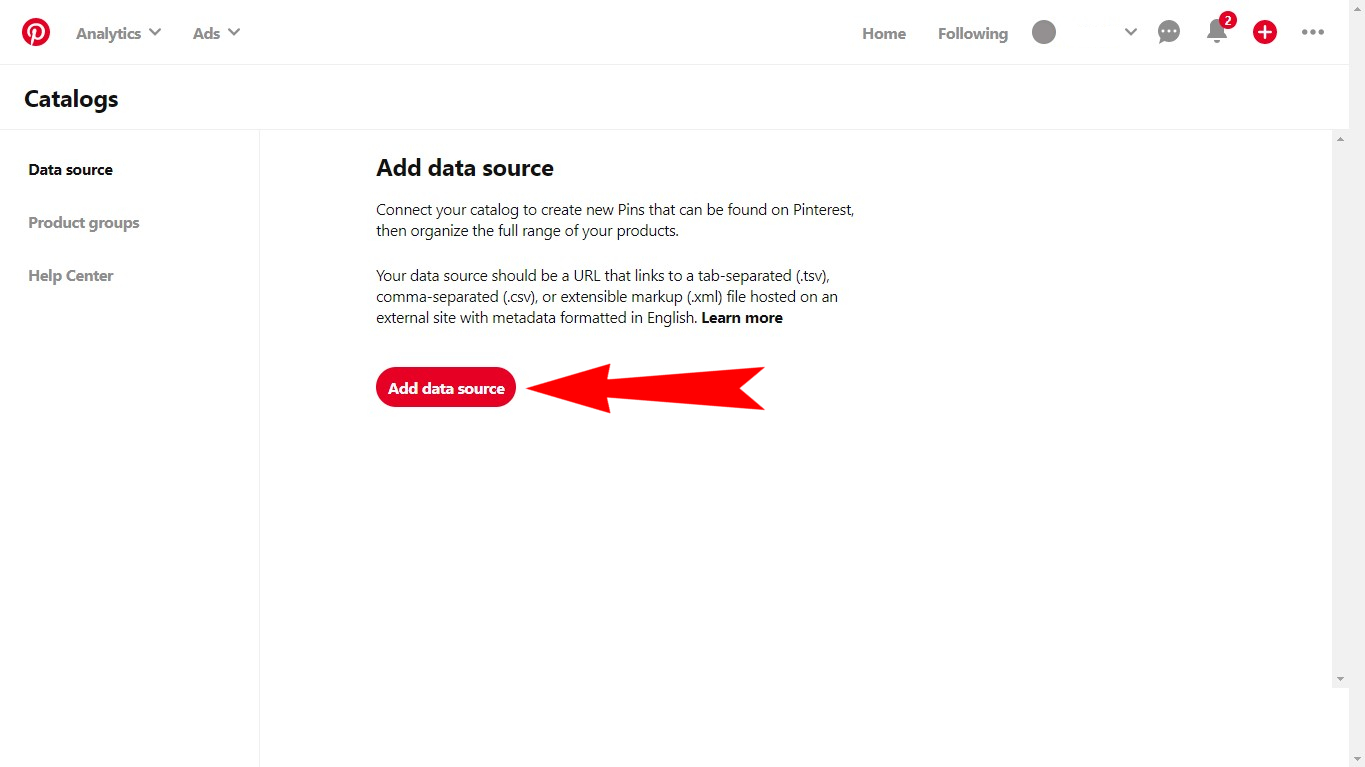
To create a catalog in Pinterest, you will need to go to "Catalog" section (pinterest.com/product-catalogs/).
Click on "Get started" in the opened window.
Install app for free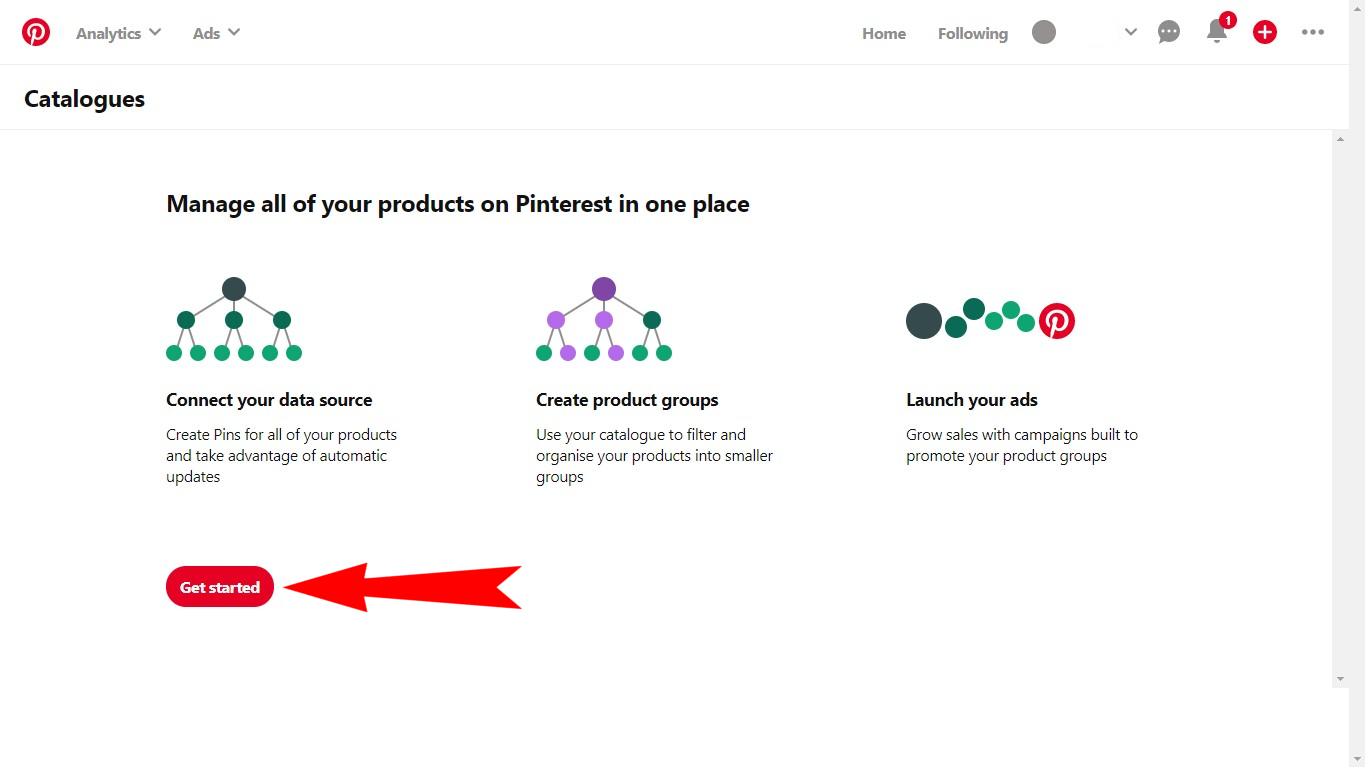
To create a catalog in Pinterest, you will need to go to "Catalog" section (pinterest.com/product-catalogs/).
Click on "Get started" in the opened window.
Install app for free
In this window you will need to:
- Fill in the Data Feed, that was made for you by Feed Product app.
- Select the type of imported file.
- Select the currency.
Install app for free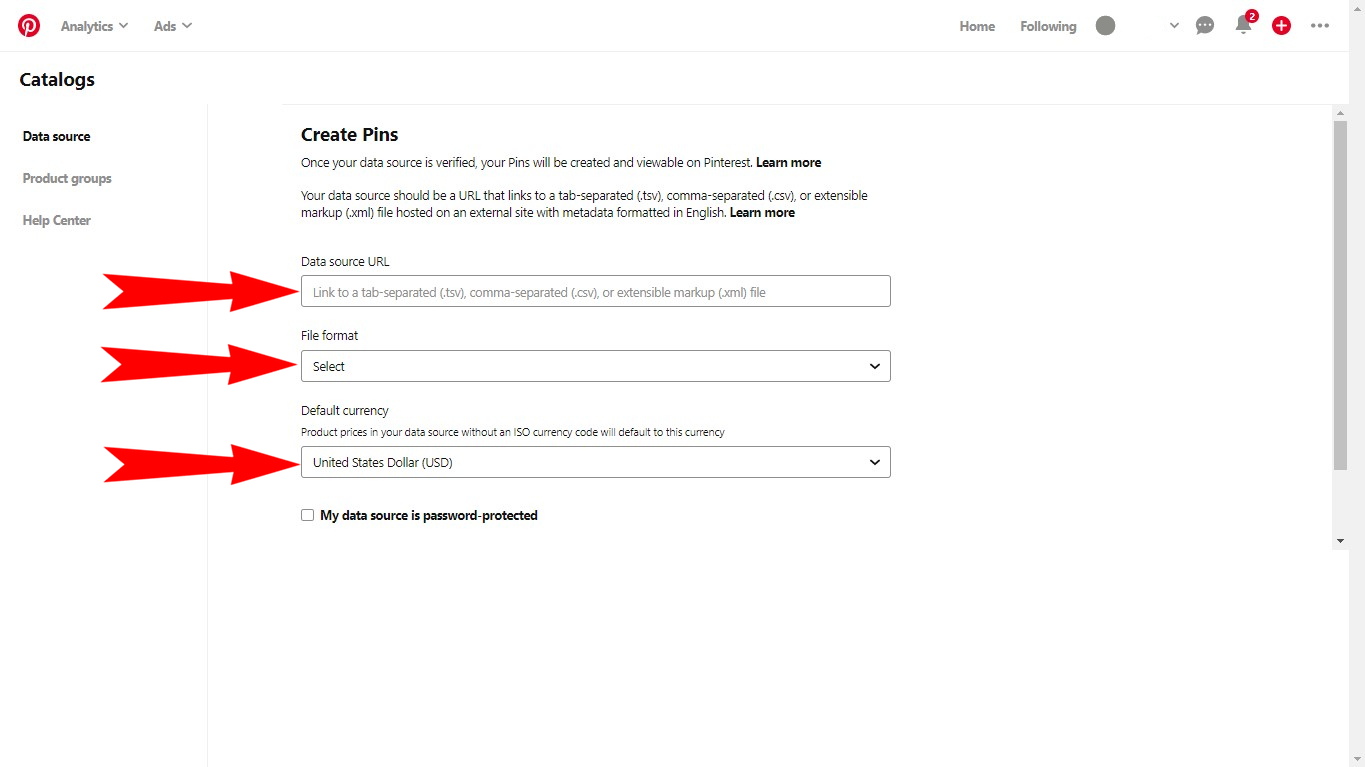
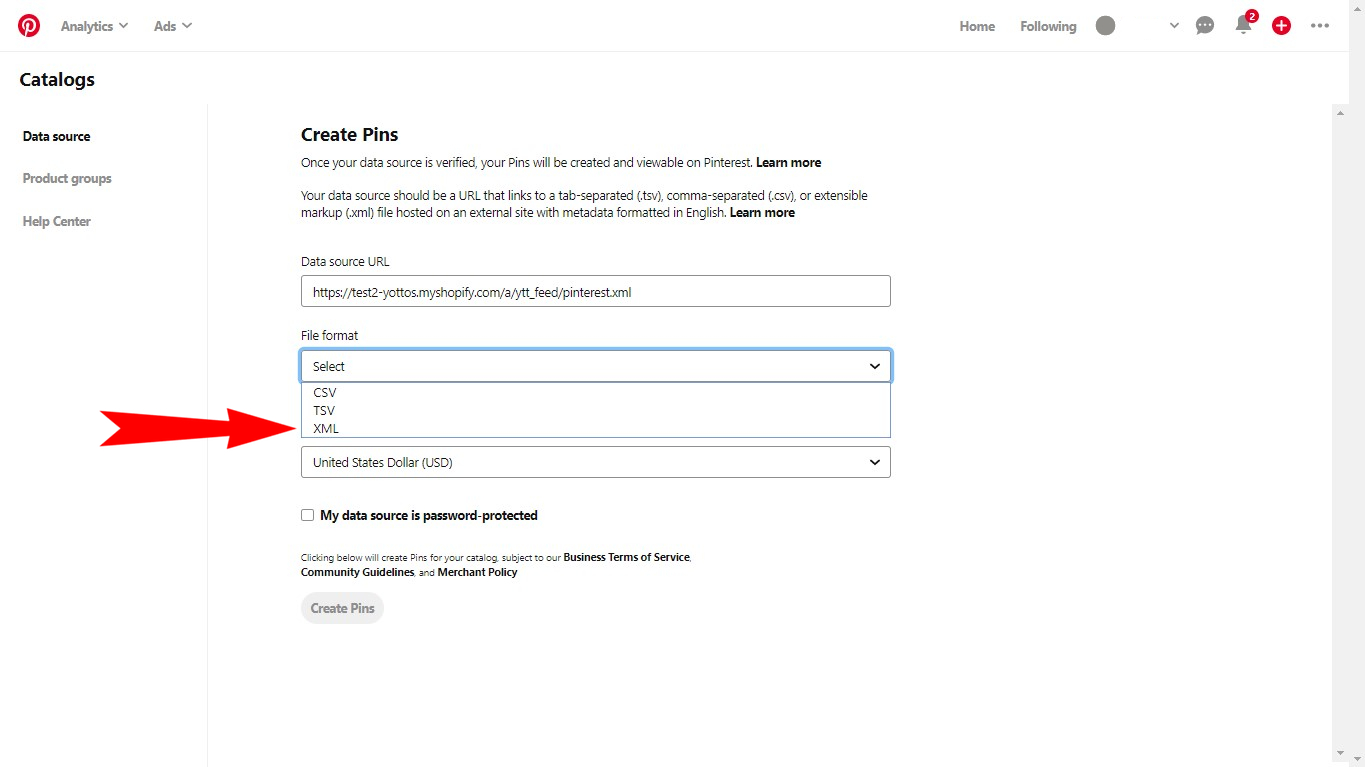
After that you will need to select the currency that was set in the data feed imported from Feed Product.
Install app for free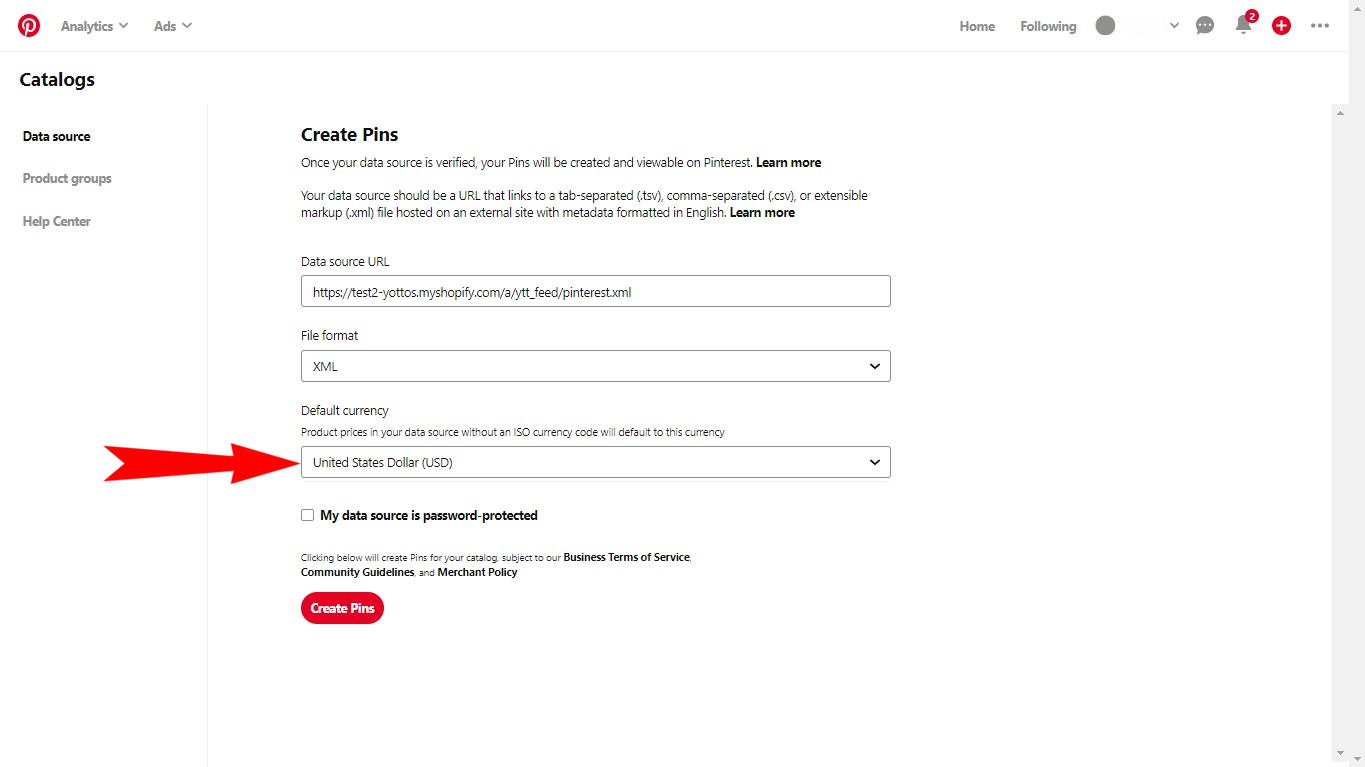
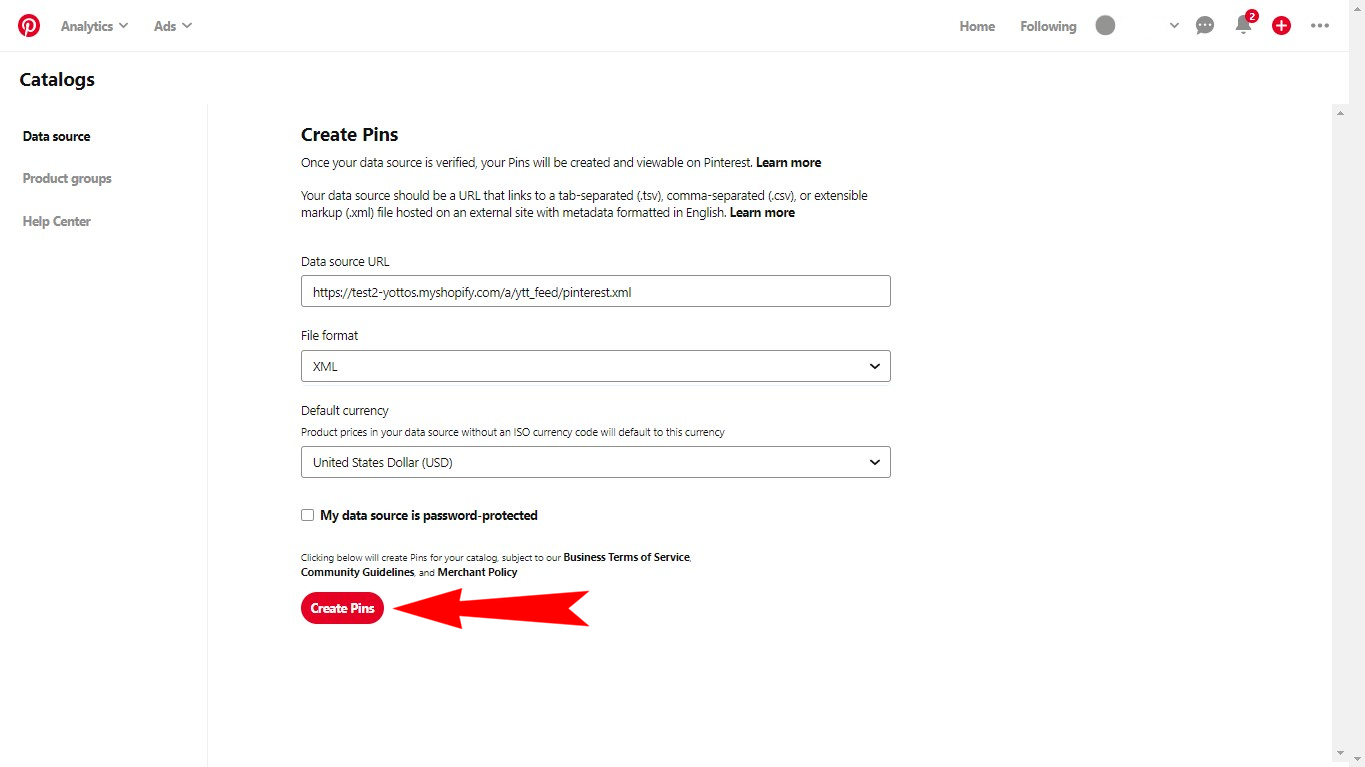
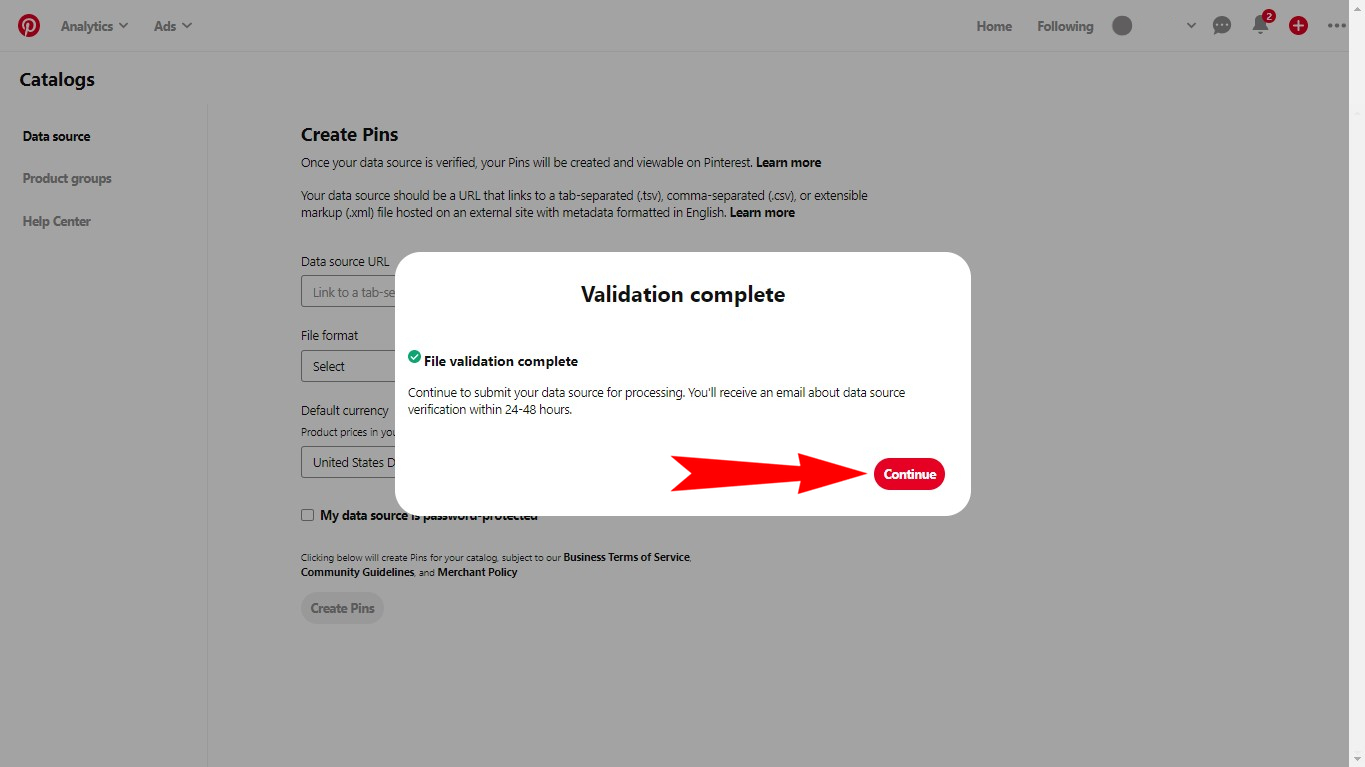
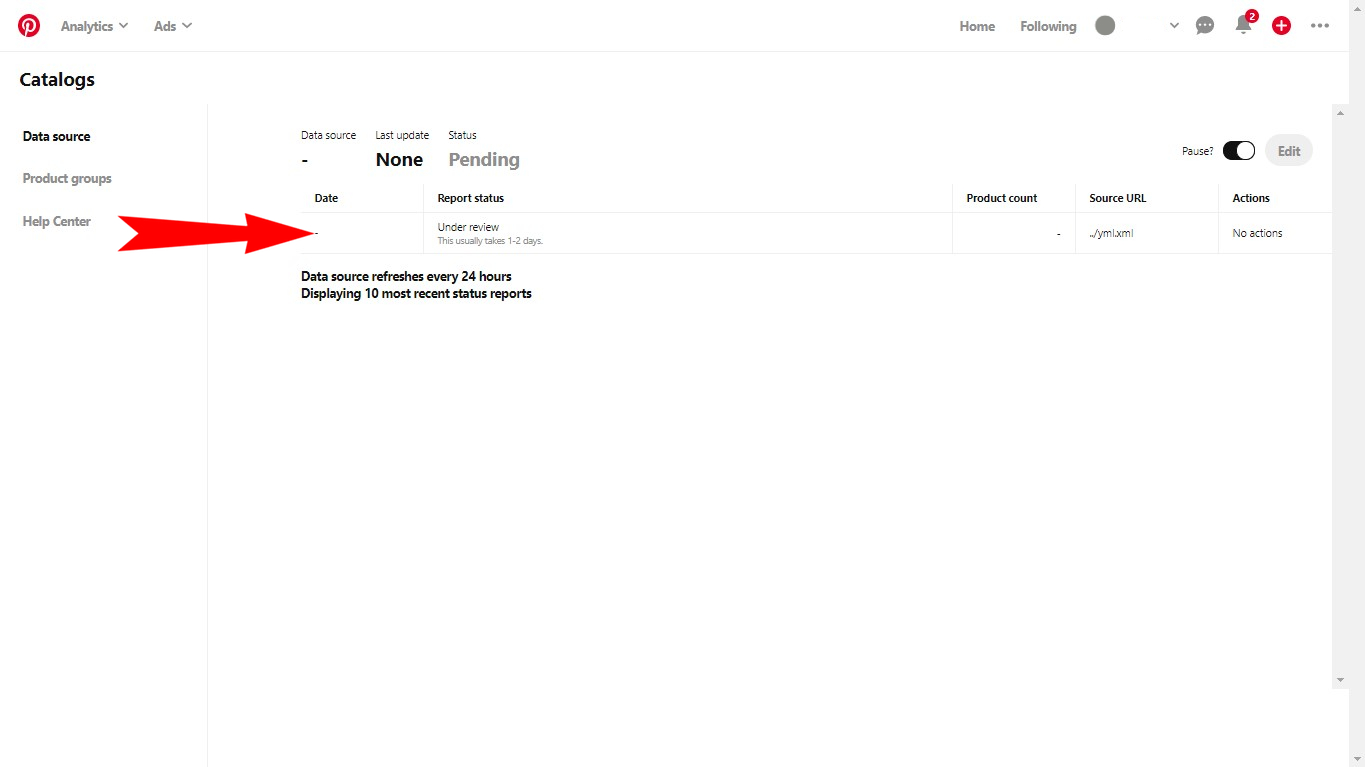
Pin catalog is created!
After data source check you will receive the verification e-mail. Usually it takes 24-48 hours.
Install app for free